Create campaign
Sign in

One URL in. A whole campaign out.

blastified reads your website once and designs posts, stories, videos, newsletters, WhatsApp messages and landing pages in your corporate design – for seven networks, in under a minute.

The demo account contains the example campaigns from this page – try everything, no sign-up.

7
networks
3
channels
< 1 min
to the first post
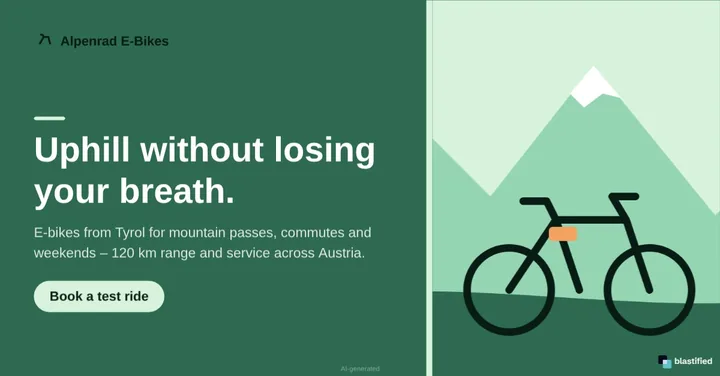
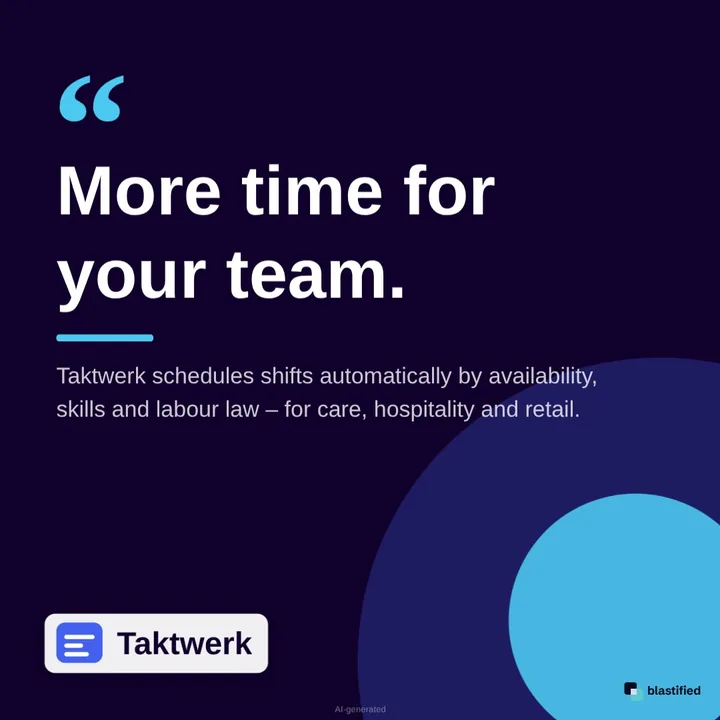
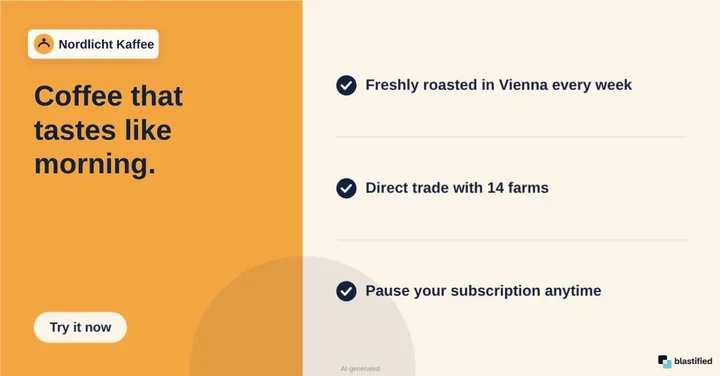
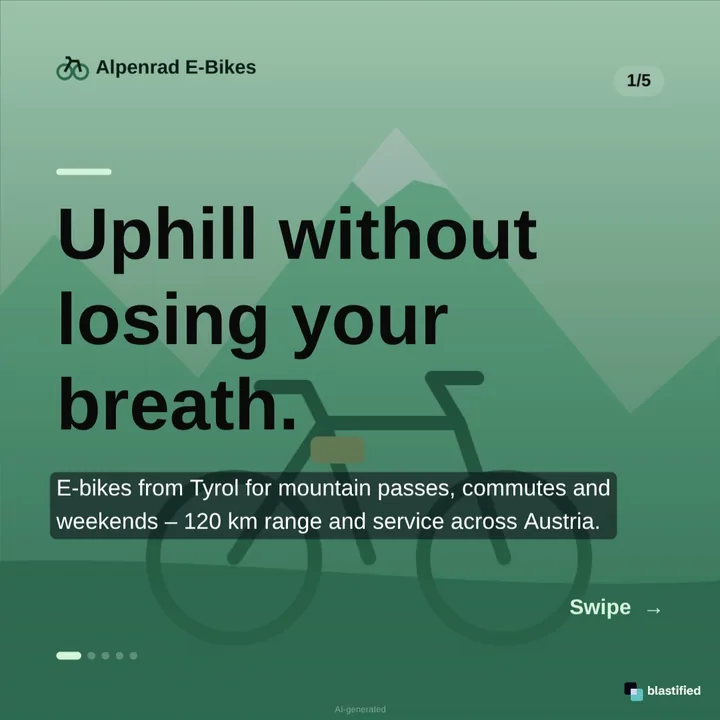
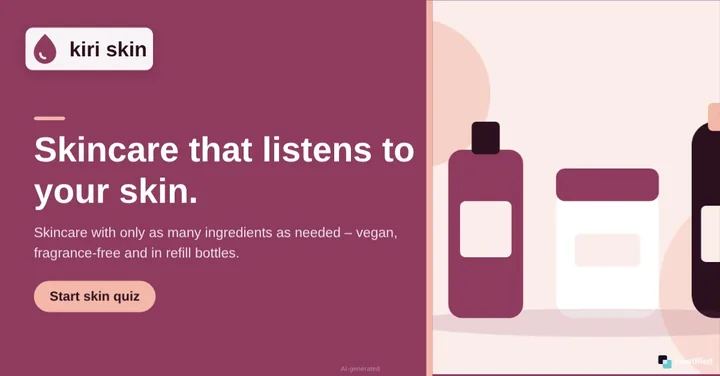
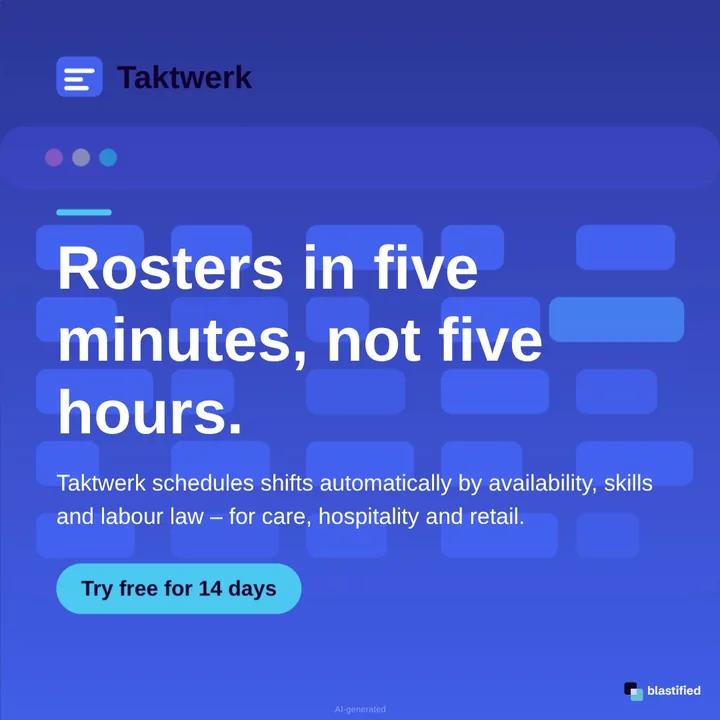
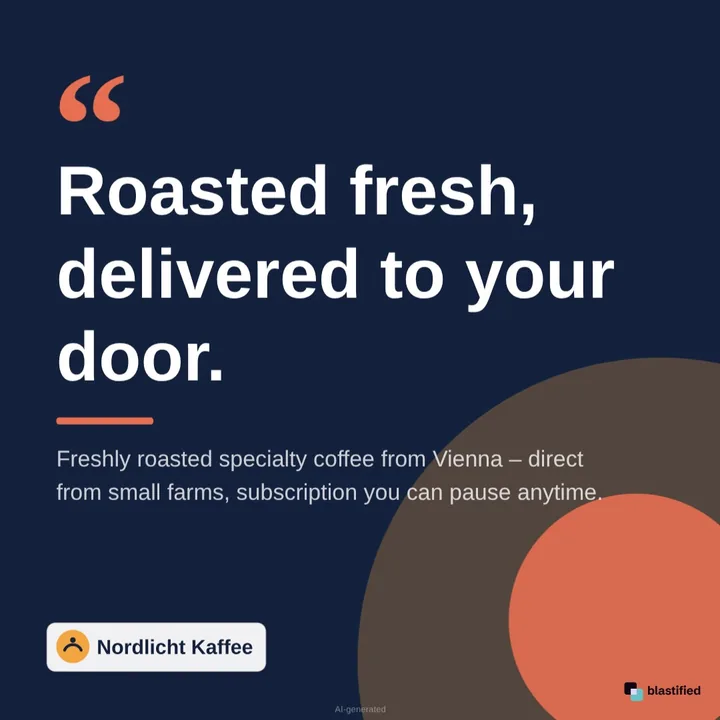
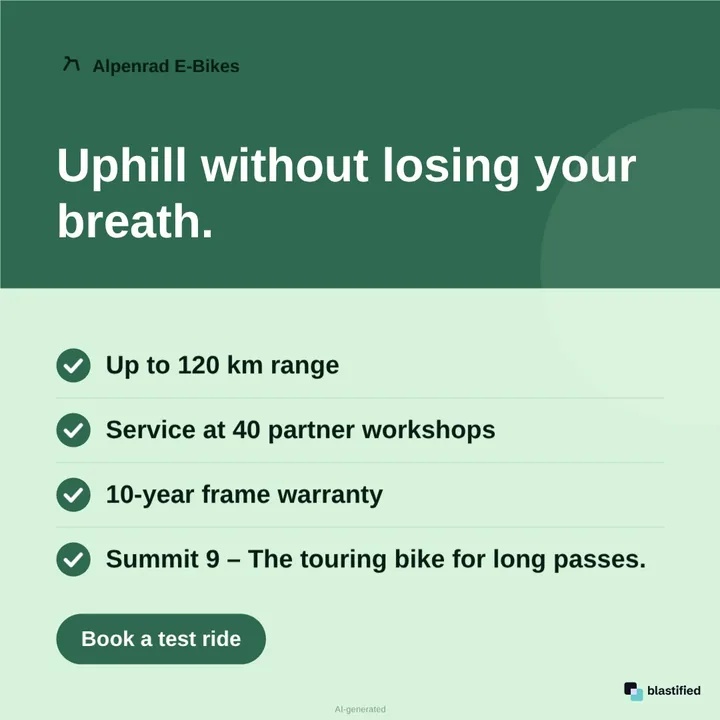
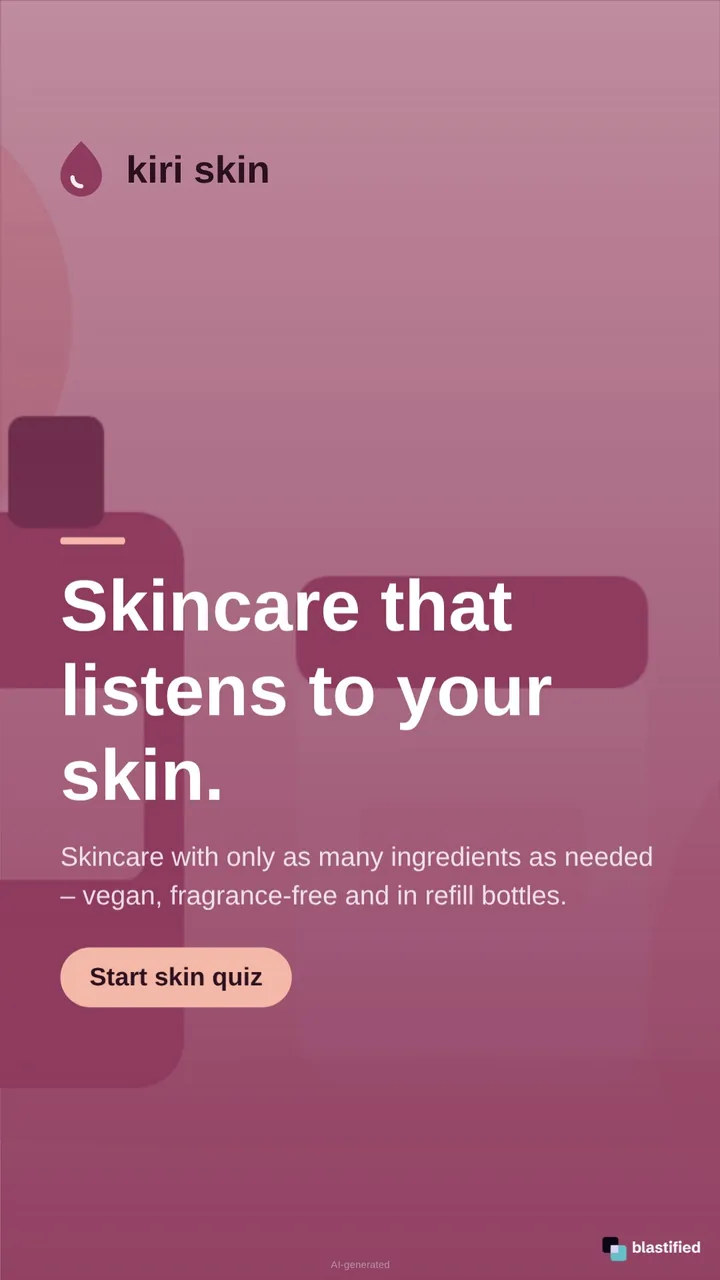
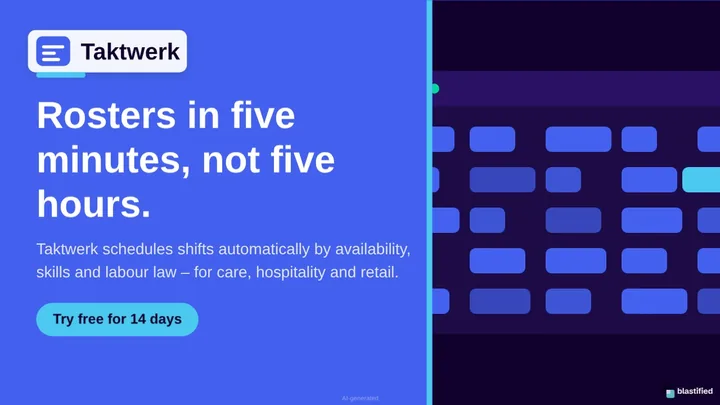
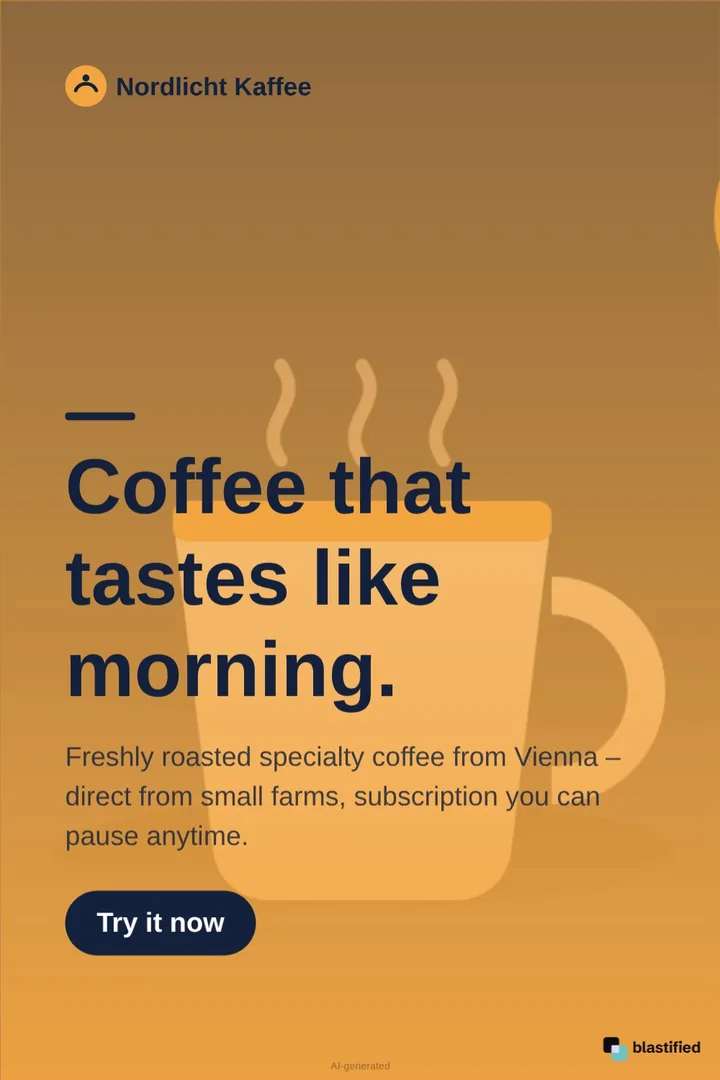
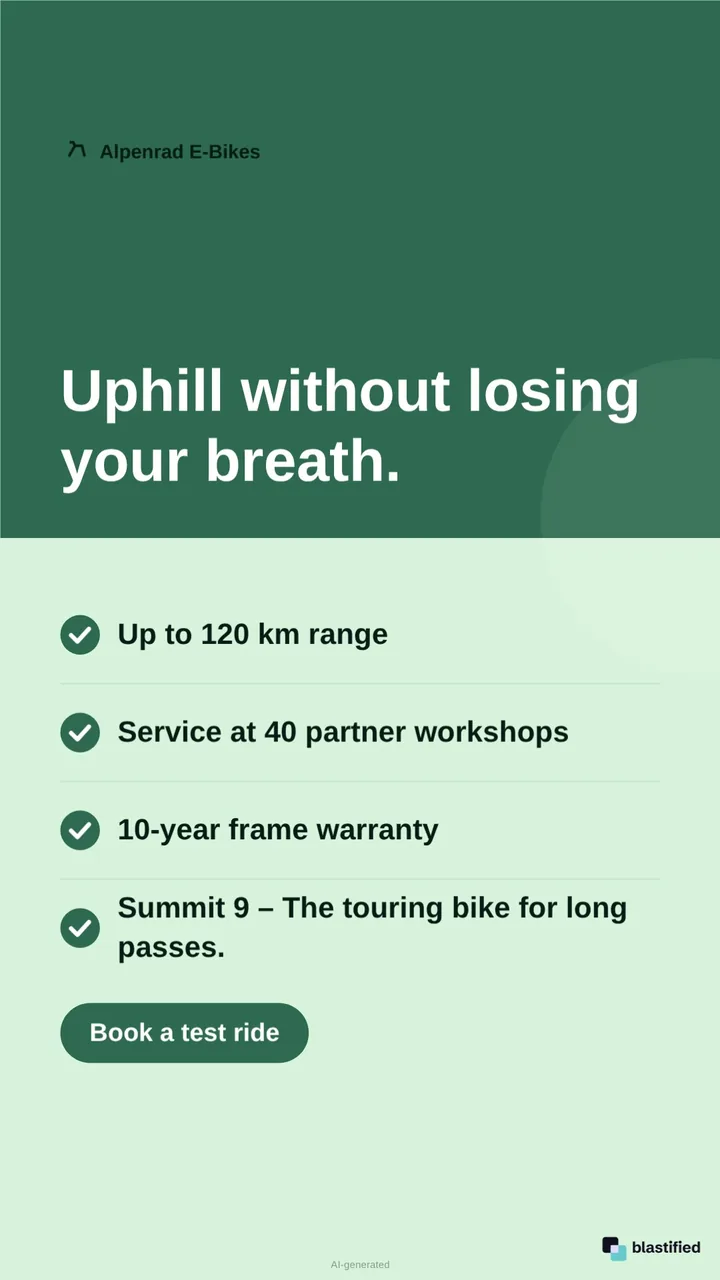
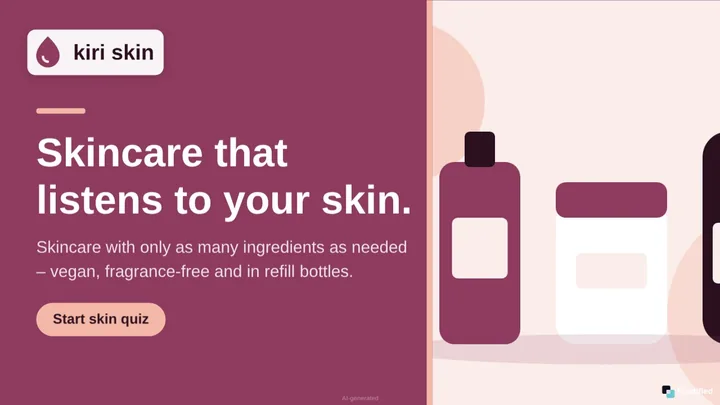
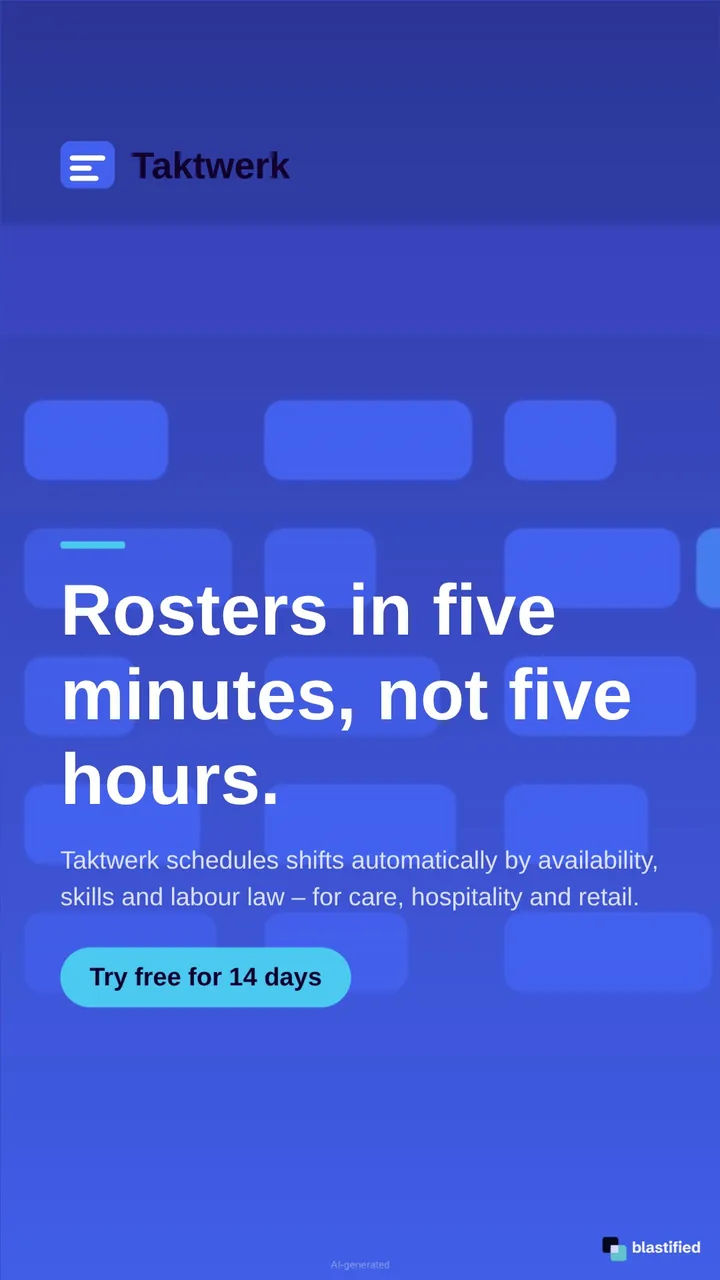
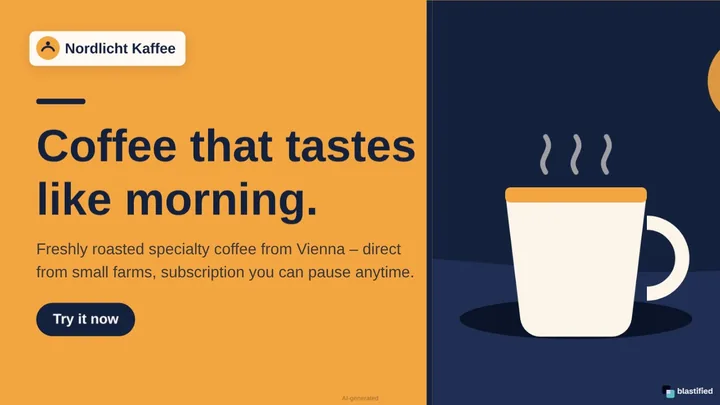
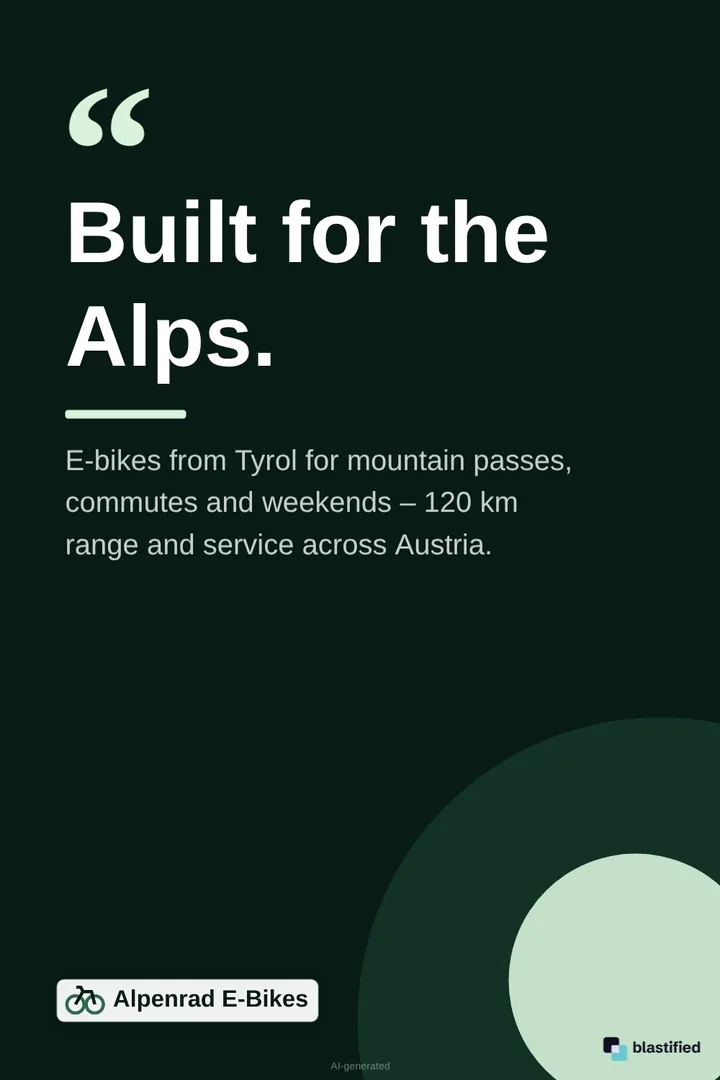
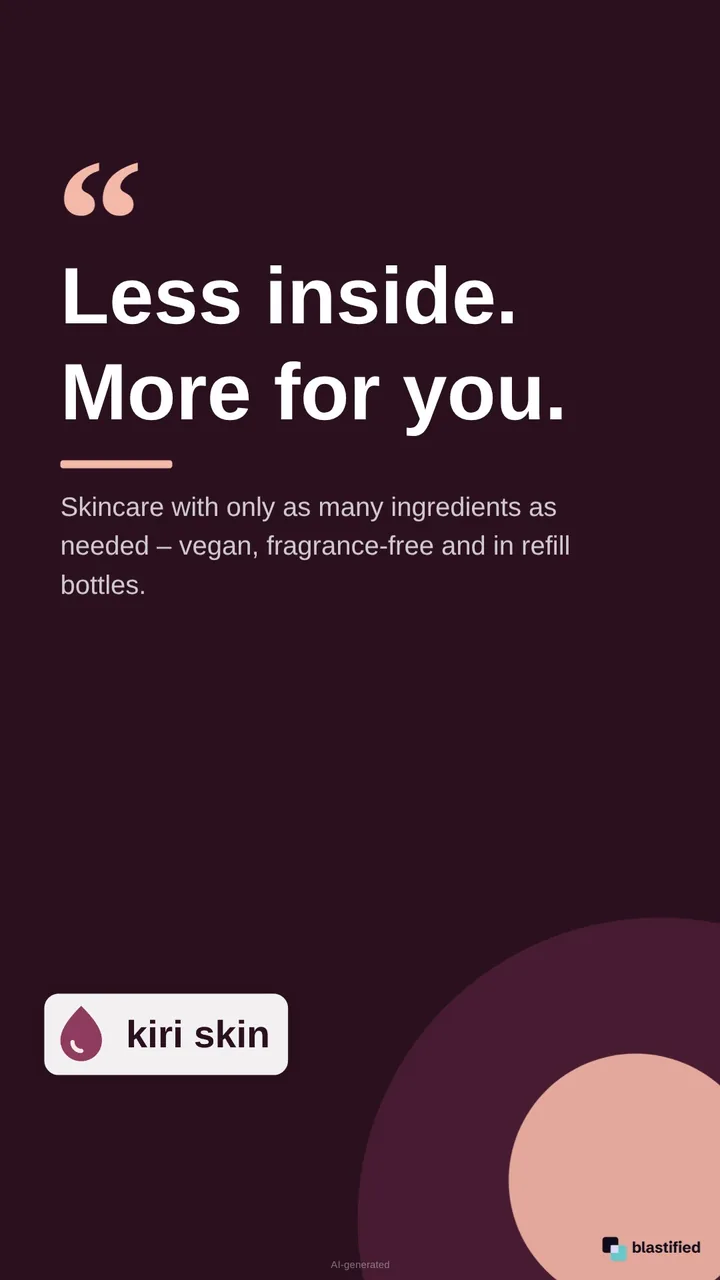
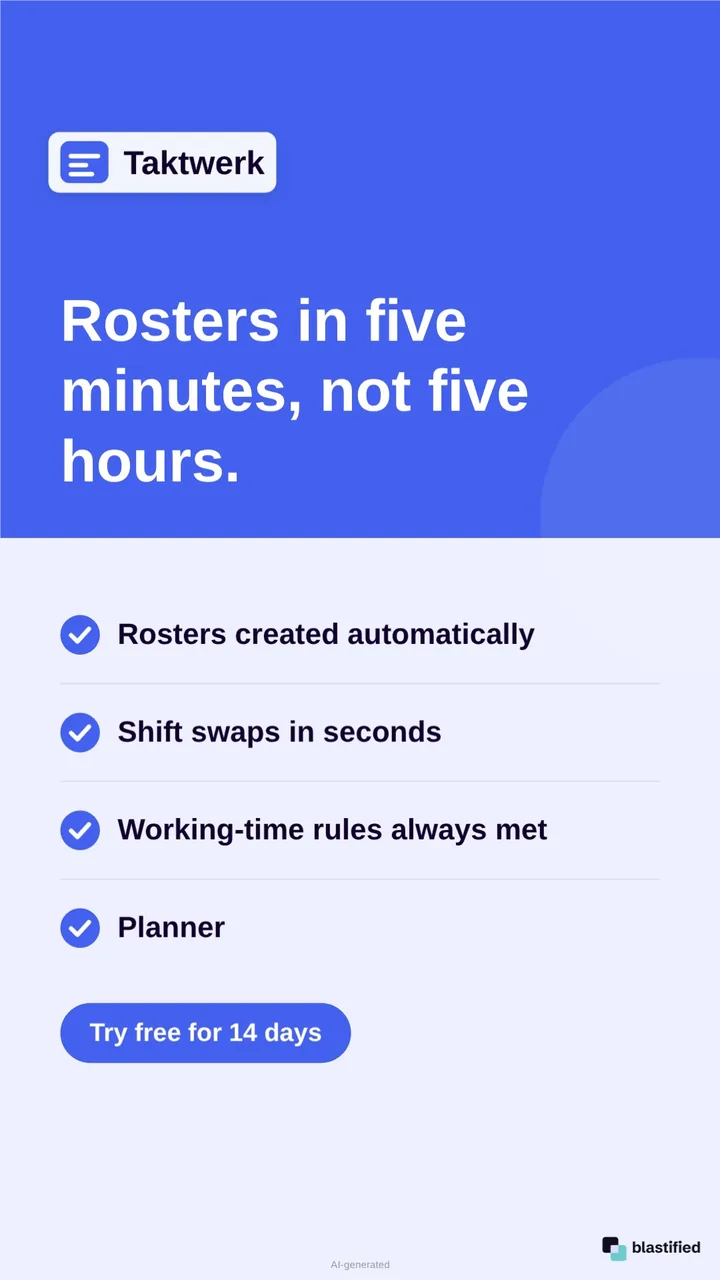
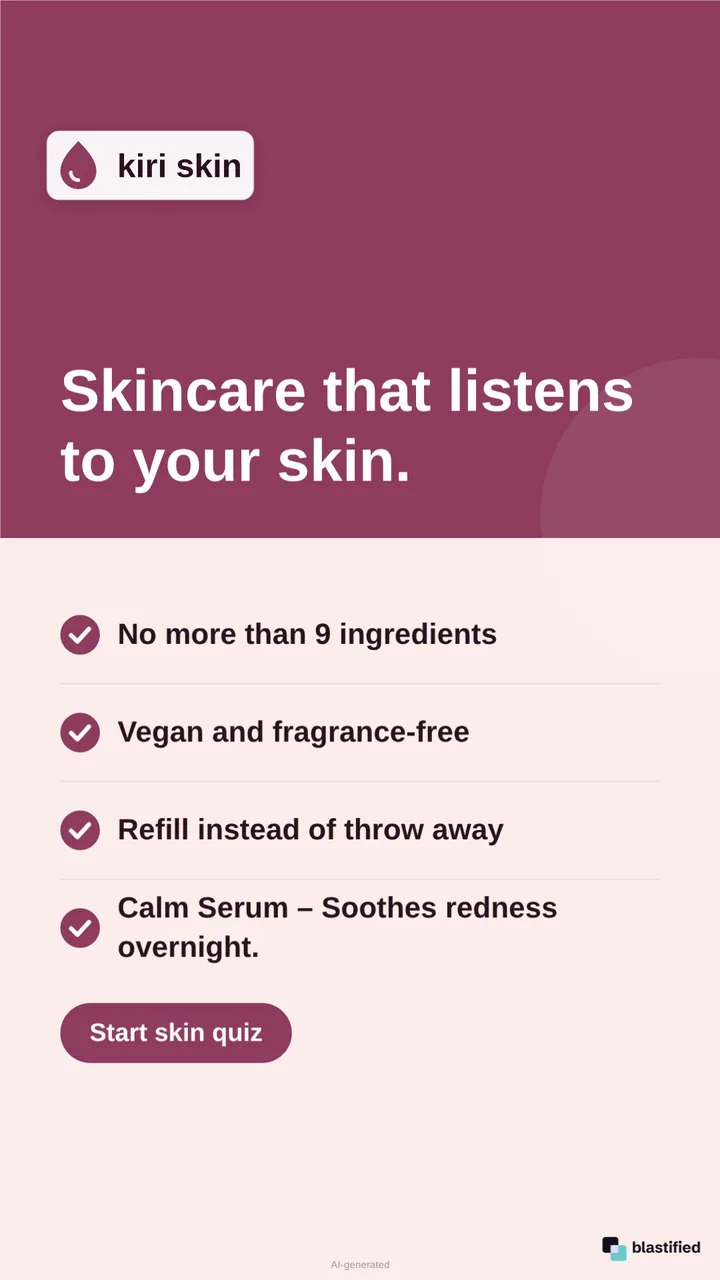
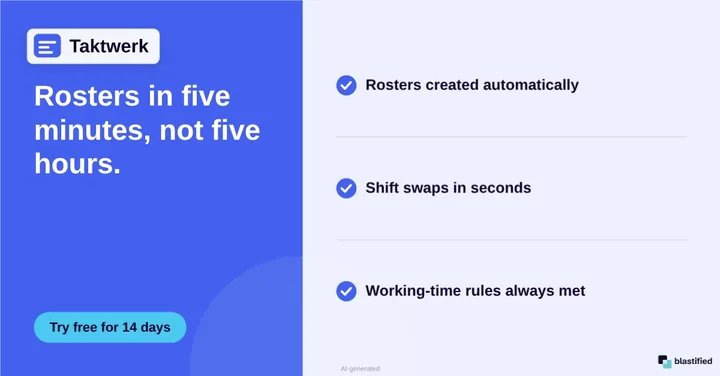
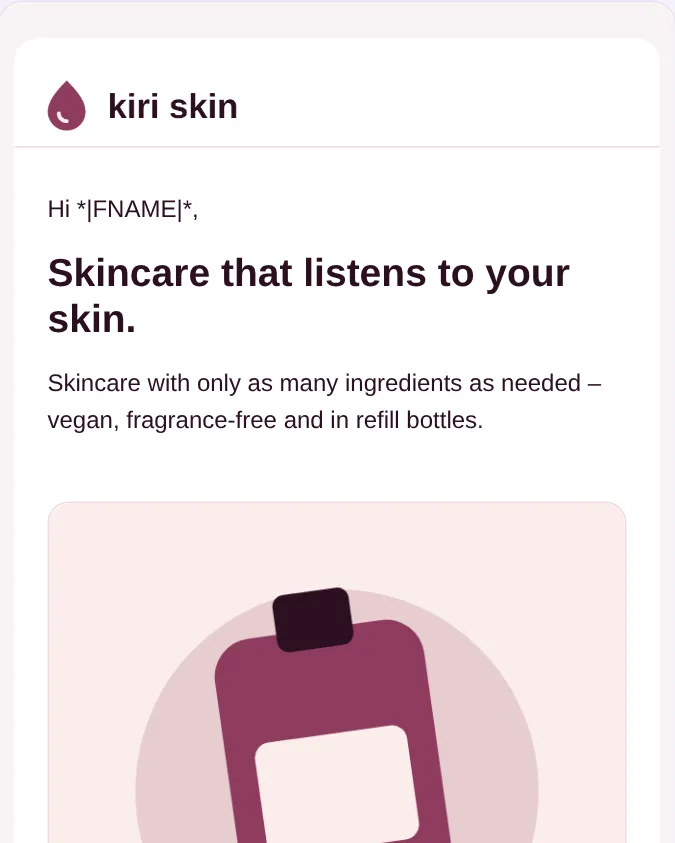
Nordlicht Kaffee – generated graphicAlpenrad E-Bikes – generated graphickiri skin – generated graphicTaktwerk – generated graphicNordlicht Kaffee – generated graphicAlpenrad E-Bikes – generated graphickiri skin – generated graphicTaktwerk – generated graphicNordlicht Kaffee – generated graphicAlpenrad E-Bikes – generated graphic
kiri skin – generated graphicTaktwerk – generated graphicNordlicht Kaffee – generated graphicAlpenrad E-Bikes – generated graphickiri skin – generated graphicTaktwerk – generated graphicNordlicht Kaffee – generated graphicAlpenrad E-Bikes – generated graphickiri skin – generated graphicTaktwerk – generated graphic

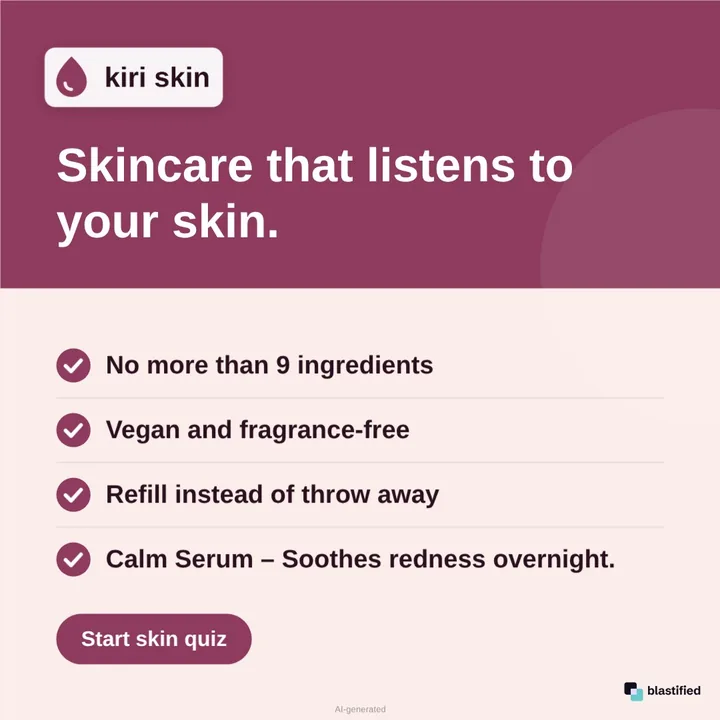
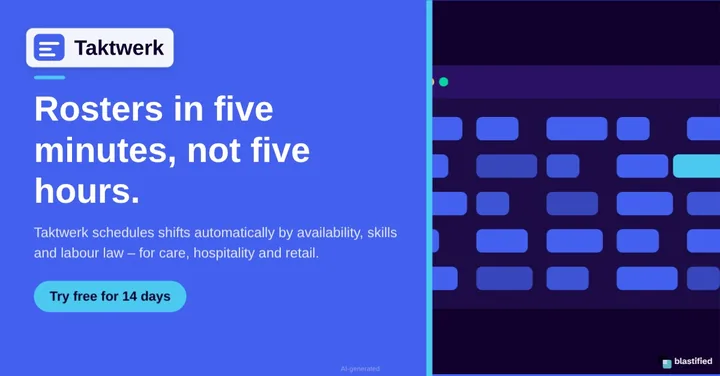
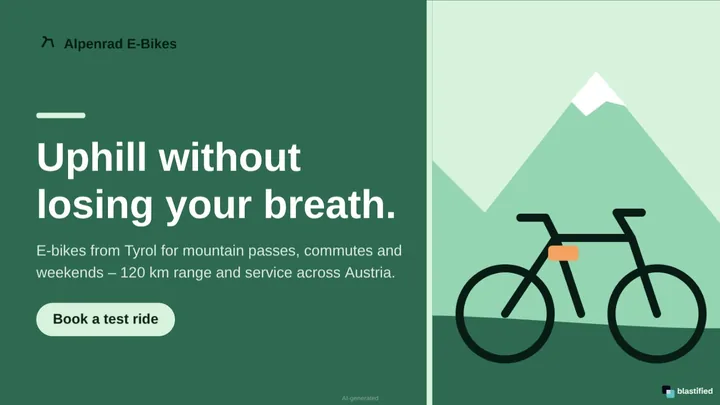
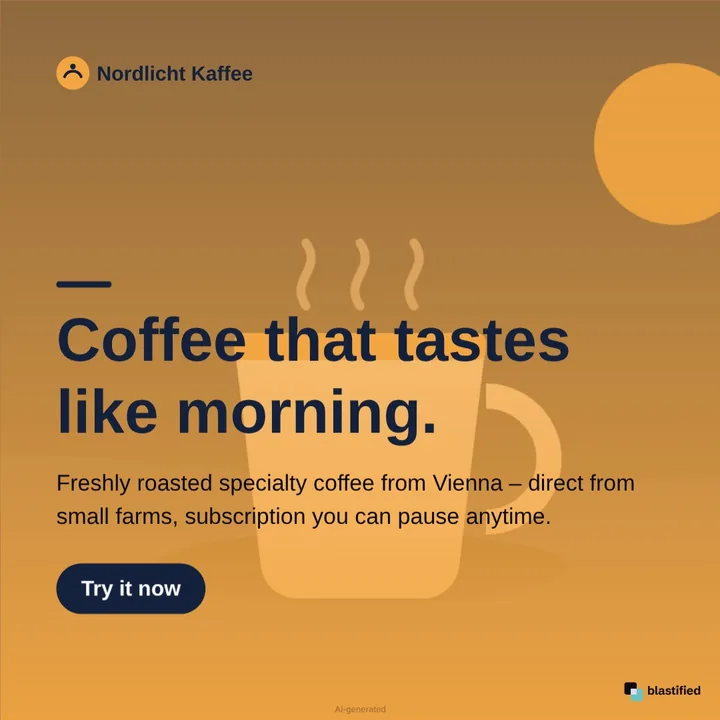
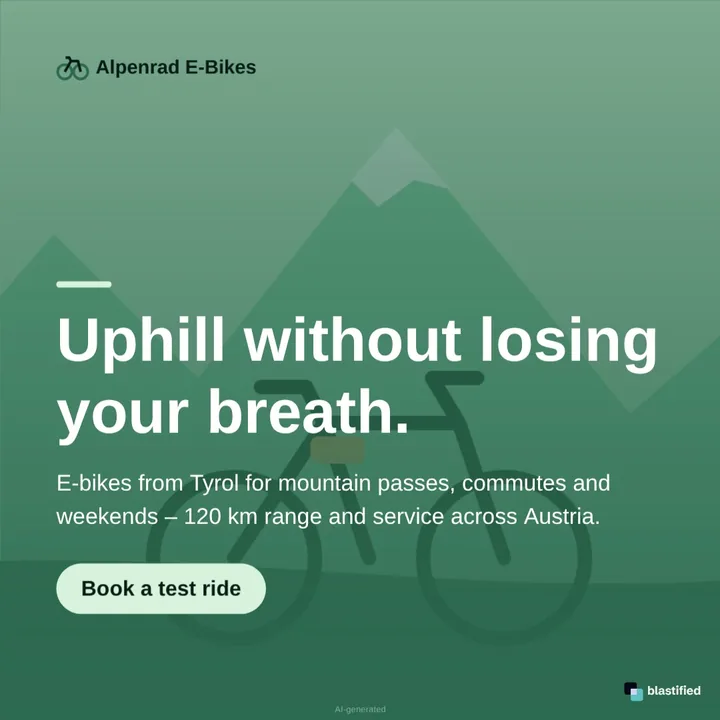
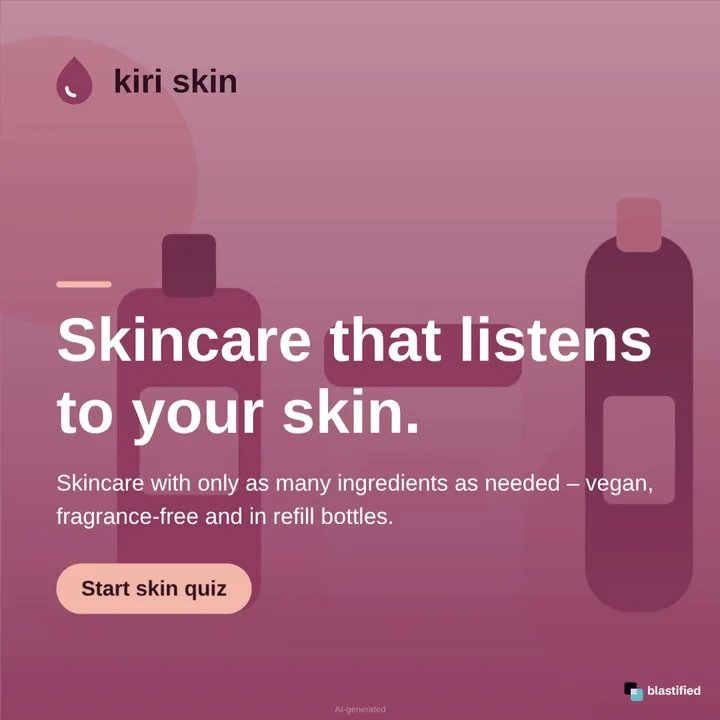
Every example was made by blastified from a single URL. The brands are made up.

Four websites. Four campaigns. Zero design briefs.

Colours, logo, headline, benefits and button come straight from the website – no template to fill in, no agency loop.

Website · Nordlicht Kaffee

Coffee that tastes like morning.

Freshly roasted specialty coffee from Vienna – direct from small farms.

Try it now Website of Nordlicht Coffee (made-up example brand)
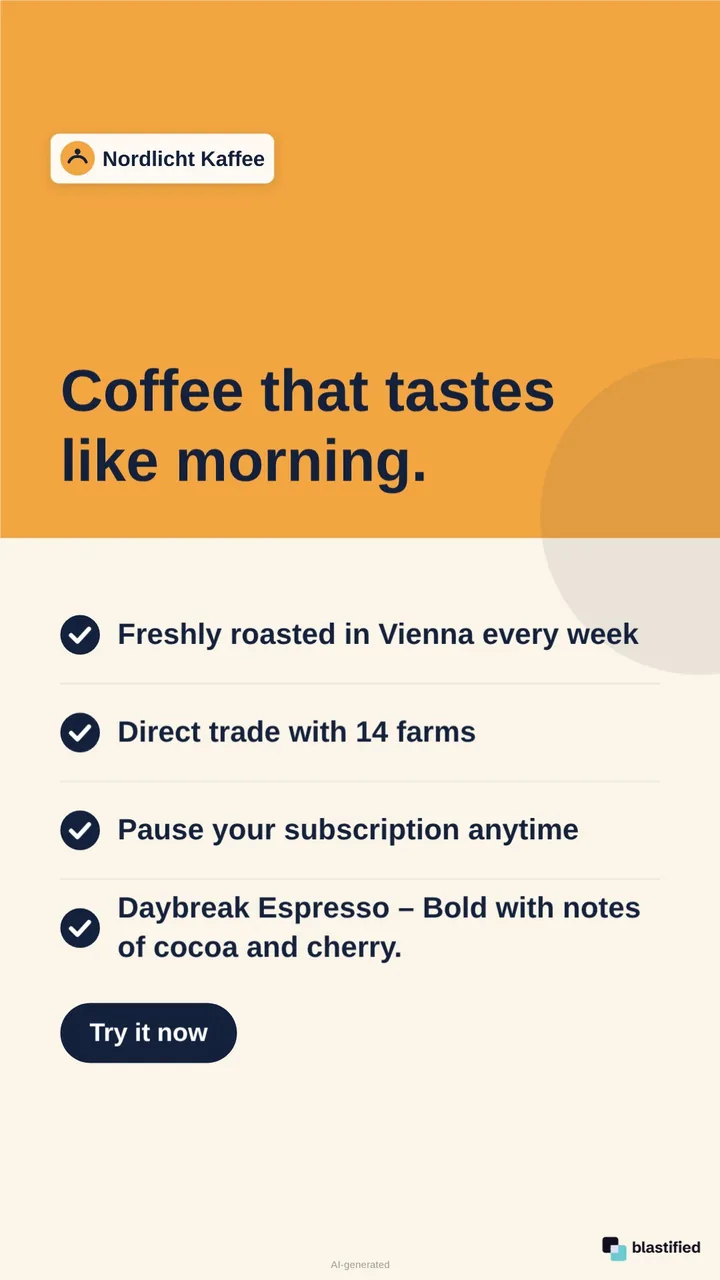
Nordlicht Kaffee – Instagram Feed
Instagram Feed
Nordlicht Kaffee – Story
Story
Nordlicht Kaffee – LinkedIn
LinkedIn
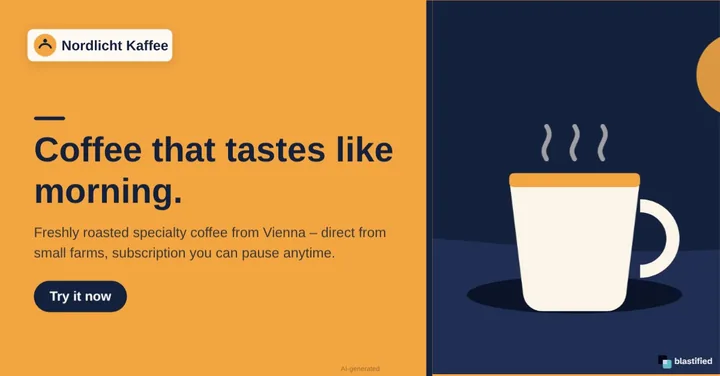
Nordlicht Kaffee – YouTube Thumbnail
YouTube
  1. Paste a URLHome page, product page or landing page – plus PDFs if you like.
  2. Check and tweakEvery change shows up live in all formats at once.
  3. PublishDownload, share, schedule – or let automations post for you.

One analysis. Six ways to reach people.

Brand and copy are detected once – every channel uses the same data, so everything looks like it belongs together.

Social media campaigns

Posts, stories, carousels and videos for seven networks – in the right sizes and with safe zones for the app interfaces.

  • Instagram, Facebook, TikTok, LinkedIn, Xing, Pinterest, YouTube
  • LinkedIn carousel as a PDF document
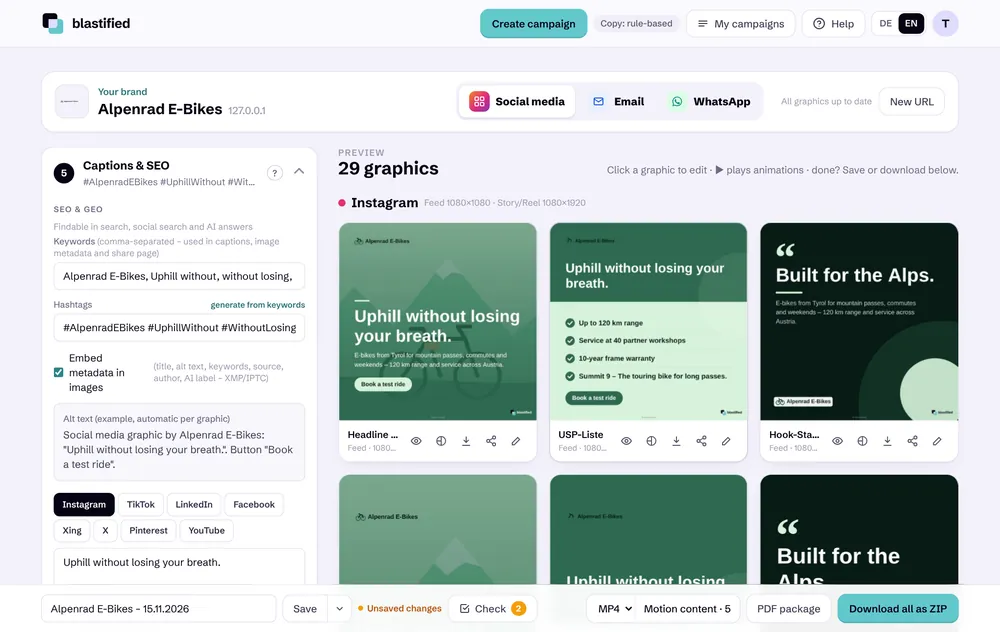
  • Caption, hashtags and alt text per platform

from FreeHow it works

YouTube New

Portrait Shorts, 16:9 videos and thumbnails with extra-large type – plus title, description and tags.

  • Short 1080 × 1920, video 1920 × 1080
  • Thumbnail 1280 × 720
  • Straight into the YouTube app on your phone

from FreeHow it works

Email newsletters

The same campaign becomes an email with banner, text and button – as HTML to copy or sent straight to your recipient list.

  • Templates: newsletter, announcement, digest
  • Sending via SMTP, Brevo or the web server
  • Recipient lists with unsubscribe link

from ProHow it works

WhatsApp

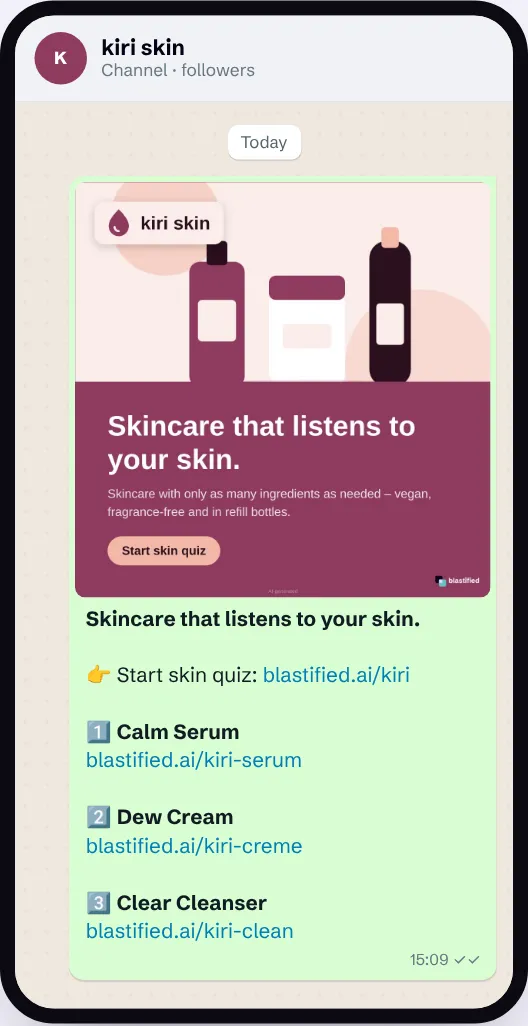
Messages with an image or link preview, status series, photo polls for channels and swipeable carousels for the Business API – all from the same campaign.

  • Message, status and status series (9:16) like a story
  • Carousel with 2–10 cards – submit to Meta and send directly
  • Photo poll: answers with product photos for channels
  • On-brand link preview via the share link

from ProHow it works

Automations & calendar

On a schedule or as soon as something new appears on your website: blastified reads the page again, designs fresh graphics and posts.

  • Directly to LinkedIn, Facebook, Instagram, TikTok – also as carousel or story series
  • Or by webhook to Make, Zapier, n8n, Buffer
  • Content calendar and client approval

from ProHow it works

Try it with your websiteNo account needed

Recognise and keep your brand

blastified reads your website’s stylesheets, logo and copy. Whatever doesn’t fit, you correct once – and it stays that way.

  • Corporate design from the URL

    Colours, fonts, logo, headlines, benefits and buttons – detected in seconds.

    from Free
  • Custom colours

    Add with the eyedropper, colour picker or HEX value and save them for the brand.

    from Free
  • Contrast guard

    Checks every graphic so text stays readable on any background.

    from Free
  • Brand profiles

    Fixed logo, colours and fonts per domain – in the editor and for automations.

    from Agency
  • Multiple sources

    More pages such as products, blog or pricing add content.

    from Pro
  • PDFs as a source New

    Upload or link catalogues, brochures and price lists – text, bullet points, links and images are taken over.

    from Pro
  • MCP server as a knowledge source

    Bring content from your own systems into the campaign.

    from Agency
  • Filler page filter New

    Imprint, privacy policy, terms or cart never end up in the campaign.

    from Free
Flow: enter the website address, analysis, finished workspace with colours, logo and graphics

Design

Ready-made layouts for every format – and full control when you want to do it yourself.

  • Campaign types

    Mix, brand posts, USP/B2B, promo with website image, or all templates in rotation.

    from Basic
  • Editor

    Change text, colours, images and positions, add buttons with links.

    from Free
  • Custom templates from an image New

    Upload a design – AI detects fonts, colours and elements and turns it into a template.

    with account
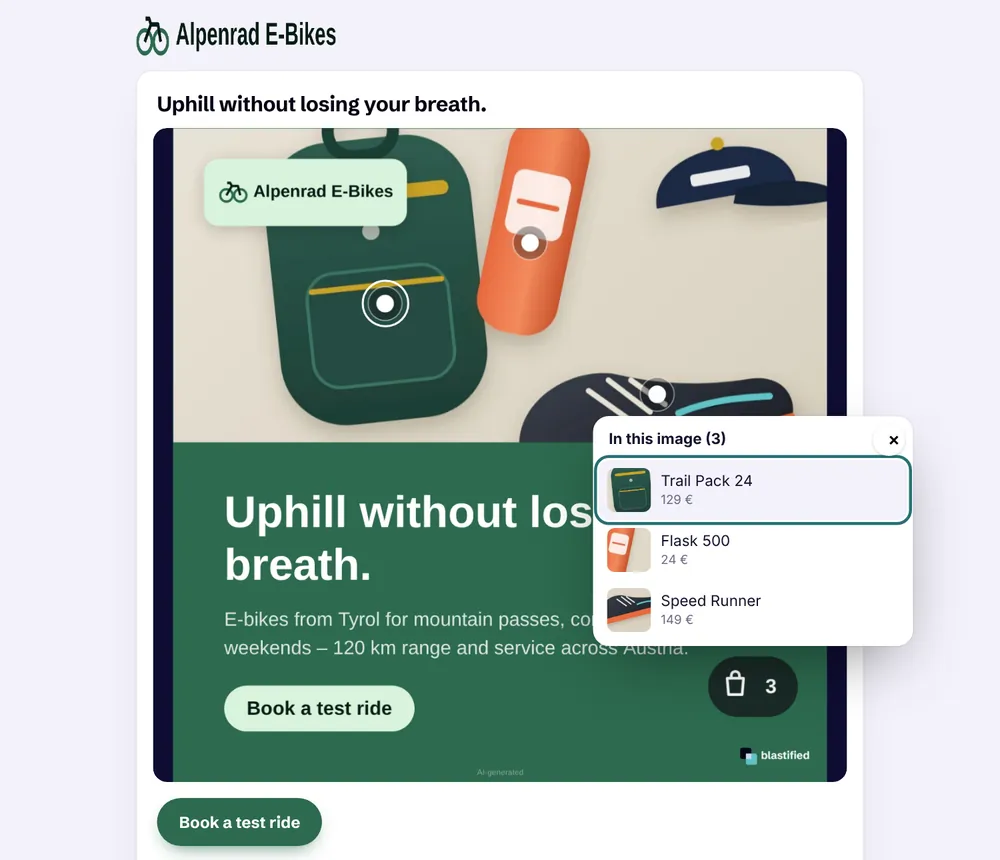
  • Hotspots & QR codes New

    Place points on graphics – with link, product image and price, or as a QR code. On the landing page they open a product card.

    from Basic
  • Carousels & slides

    Several slides, reordered by drag and drop, as a PDF document for LinkedIn. Long lists are spread across several posts instead of being cut off.

    from Pro
  • Countdown reel

    Top lists as a reel with progress tiles, entry card and captions – long lists automatically split into parts 1/2, 2/2.

    from Pro
  • Hook score & caption check

    Scores every headline from 0 to 100 with a concrete tip and checks post texts per platform – in German and English.

    from Free
  • Brand context & copy recipes

    Set audience and problem once – they power hook formulas and post texts following problem → solution, AIDA or before → after.

    from Pro
  • Story series

    The same slides as 9:16 stories for Instagram and Facebook – with a link per story for the sticker, as images or one video.

    from Pro
  • Animation, MP4 and GIF

    Logo, headline, benefits and button appear one after another – as video or GIF.

    from Pro
  • Products & lists

    Shops, blogs and tool lists are detected and laid out as slides.

    from Free
  • Your own images & logos

    Upload photos and logos instead of the website images.

    from Basic
Editor: placing and duplicating three hotspots on products, shopping bag with count

Copy, SEO & GEO

So the campaign doesn’t just look good but gets found – in search engines and in AI answers.

Captions and SEO step with captions, hashtags and keywords per platform

Share & publish

From download to automatic post – you decide how the campaign goes out.

  • Downloads

    PNG and JPG one by one, everything as ZIP or as a PDF pack.

    from Basic
  • Share from your phone

    Hand image, video and text straight to Instagram, TikTok or WhatsApp.

    from Free
  • Share links with preview

    One link per graphic or campaign – with a preview in every network.

    from Basic
  • Post directly

    Connect LinkedIn, Facebook pages, Instagram and TikTok and post without detours.

    from Pro
  • Webhook

    Hand finished graphics to Make, Zapier, n8n or Buffer.

    from Agency
  • Automatic carousels & story series New

    Automations post product lists as a carousel or 9:16 story series – long lists in parts across several slots.

    from Pro
  • WhatsApp Business API New

    Submit a template or carousel to Meta, track approval and send it to your list – straight from the campaign.

    from Pro
Landing page: clicking a hotspot opens the product card, the shopping bag lists all products

Organise & measure

All campaigns in one place – quickly found, safely versioned and with real numbers.

  • Saving & versions

    Keep states, compare them and restore with one click.

    from Basic
  • Campaign check & autosave New

    Shows what’s missing before publishing, saves drafts automatically and warns about unsaved changes.

    from Free
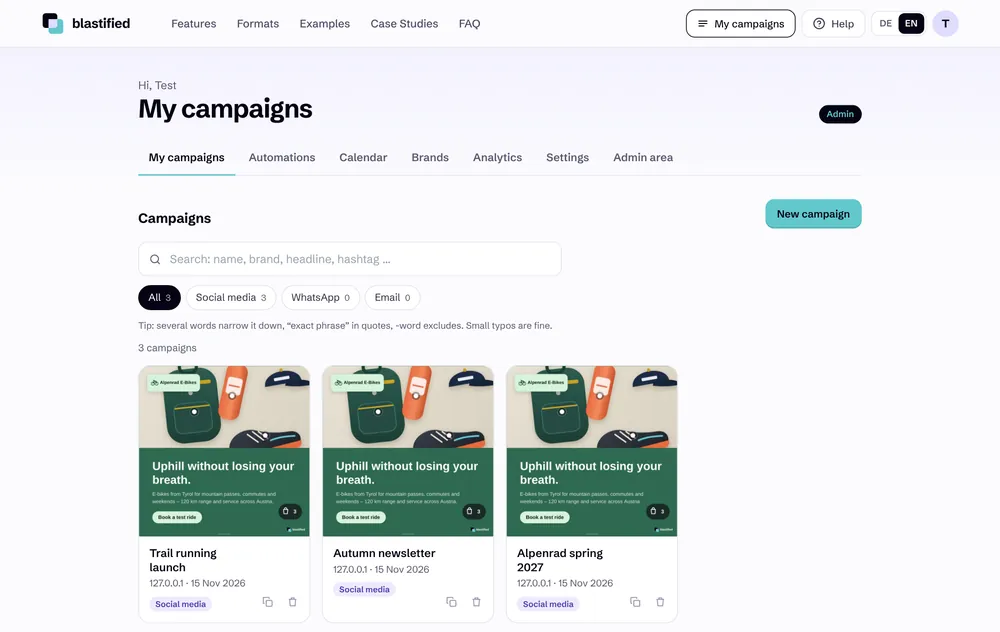
  • Campaign search New

    Search that tolerates typos, filters by channel and network, paging.

    from Basic
  • Folders, sorting & archive New

    Drag campaigns into folders, sort by name, date or channel; deleted ones go to the archive and can be restored.

    from Basic
  • Duplicate New

    Copy a campaign as the starting point for the next one.

    from Basic
  • Click tracking & A/B tests

    Short links with UTM, rotating variants and statistics on which one wins.

    from Pro
  • Content calendar

    All scheduled and published posts, plus one-off posts in between.

    from Pro
My campaigns with search, channel filter and duplicate

For agencies & teams

Work as a team, let clients approve and deliver under your own name.

  • Team & roles New

    Bring more people into your account – as viewer, editor or approver, for all or selected campaigns.

    from Agency
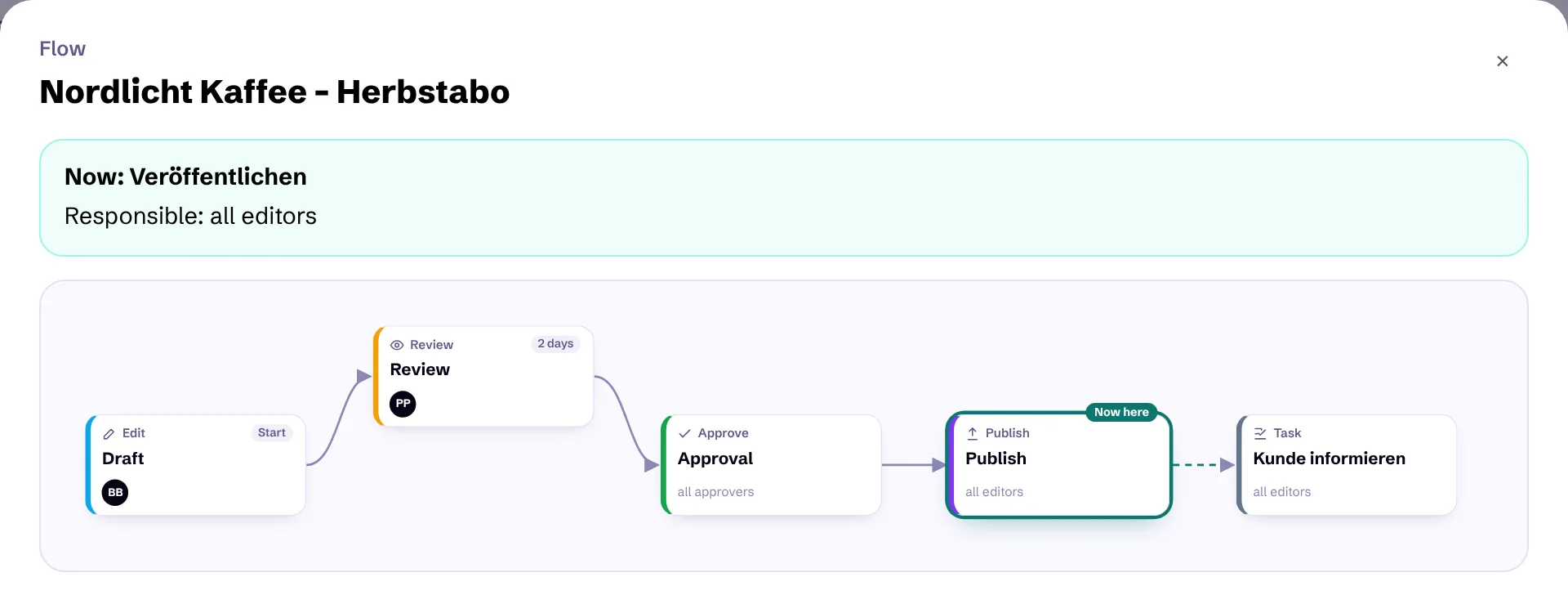
  • Workflow canvas New

    Build the flow by drag & drop: connect steps, assign people, set targets in days – for all campaigns or per campaign.

    from Agency
  • Hand over & approve New

    Every campaign shows its step. Hand over, approve or request changes – with comments, history, a “your turn” list and email to whoever is up.

    from Agency
  • Client approval link

    The client approves by link or requests changes – no account needed.

    from Agency
  • Brand profiles

    Any number of brands with fixed colours, logo and fonts.

    from Agency
  • Without the blastified logo

    Graphics without our mark in the bottom right.

    from Basic
  • Your own API keys

    Your AI connection: api.2442.io, OpenAI, Claude or Gemini.

    from Agency
  • API & agent skill New

    Create campaigns from scripts with an API key – with a ready-made skill for Claude Code, Codex and Cursor.

    from Pro
Team & workflow: flow canvas with draft, review, approval and publish, people assigned per step

What’s included in which plan?

Trying it out works without an account. Locked features are marked with a padlock in the app.

FeatureFreeBasicProAgencyEnterprise
Core
Create campaign from URL

Editor
Hotspots & QR codes in graphics – – –
Upload own images & logos –
All campaign types –

Motion
Carousel – –
Story series (Instagram, Facebook) – –
Countdown reel – –
Animation & MP4 video – –
GIF export –
Export & saving
ZIP export –
PDF export –
Save campaigns –
Sharing
Share via device
Share links with preview –
Webhook (e.g. Buffer) – – –
Automations (auto-posting) – –
WhatsApp Business API (submit & send templates) – –
Click tracking & A/B results – –
Client approval link – – –
Post directly (LinkedIn, Facebook, Instagram, TikTok) – –
Content & AI
Hook score & caption check
Brand context & copy recipes – –
Knowledge source: extra URLs – –
Knowledge source: MCP server – – –
Knowledge source: PDF (upload & link) – –
AI copy & AI keywords – –
Email campaigns (newsletter HTML) – –
WhatsApp campaigns – –
WhatsApp: status series –
WhatsApp: carousel (business template) – –
WhatsApp: photo poll for channels – –
SEO & GEO
SEO & GEO (keywords, captions, alt texts)
Image metadata (XMP/IPTC)
Brand & account
Hide blastified logo – –
Own API keys (settings) – – –
Public API & agent skill (API keys) – –
Brand profiles (logo, colours, fonts) – – –
Team & workflow (more users, roles, approval flow) – – –

Questions about a feature? The help centre explains every step with screenshots.

See it with your own website.

Paste a URL – the first formats are ready in under a minute.

Create campaign